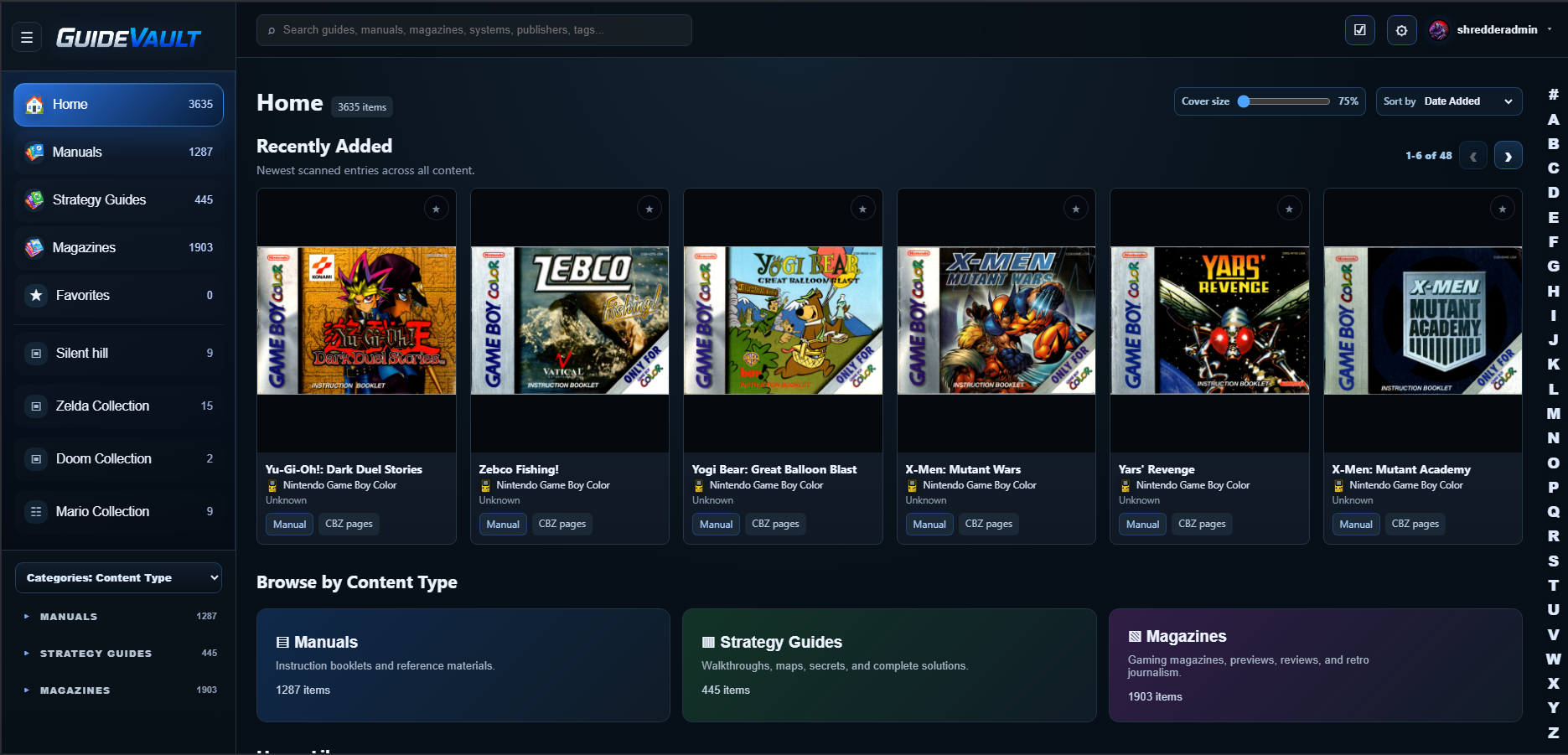
Home library
Start from a dashboard-style home view with recently added entries and content-type sections for Manuals, Strategy Guides, and Magazines.

Features
GuideVault separates manuals, strategy guides, and magazines so each item can be browsed, read, and described in the way that makes sense for that media type.
Start from a dashboard-style home view with recently added entries and content-type sections for Manuals, Strategy Guides, and Magazines.
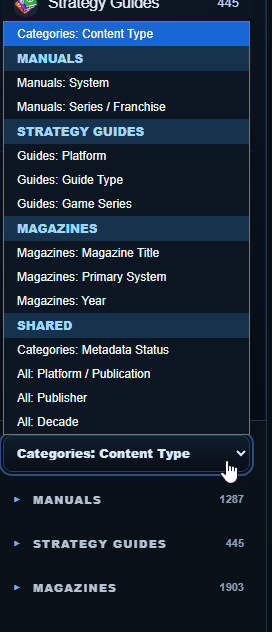
Keep manuals, strategy guides, and magazines separated while still being able to browse all content together when needed.
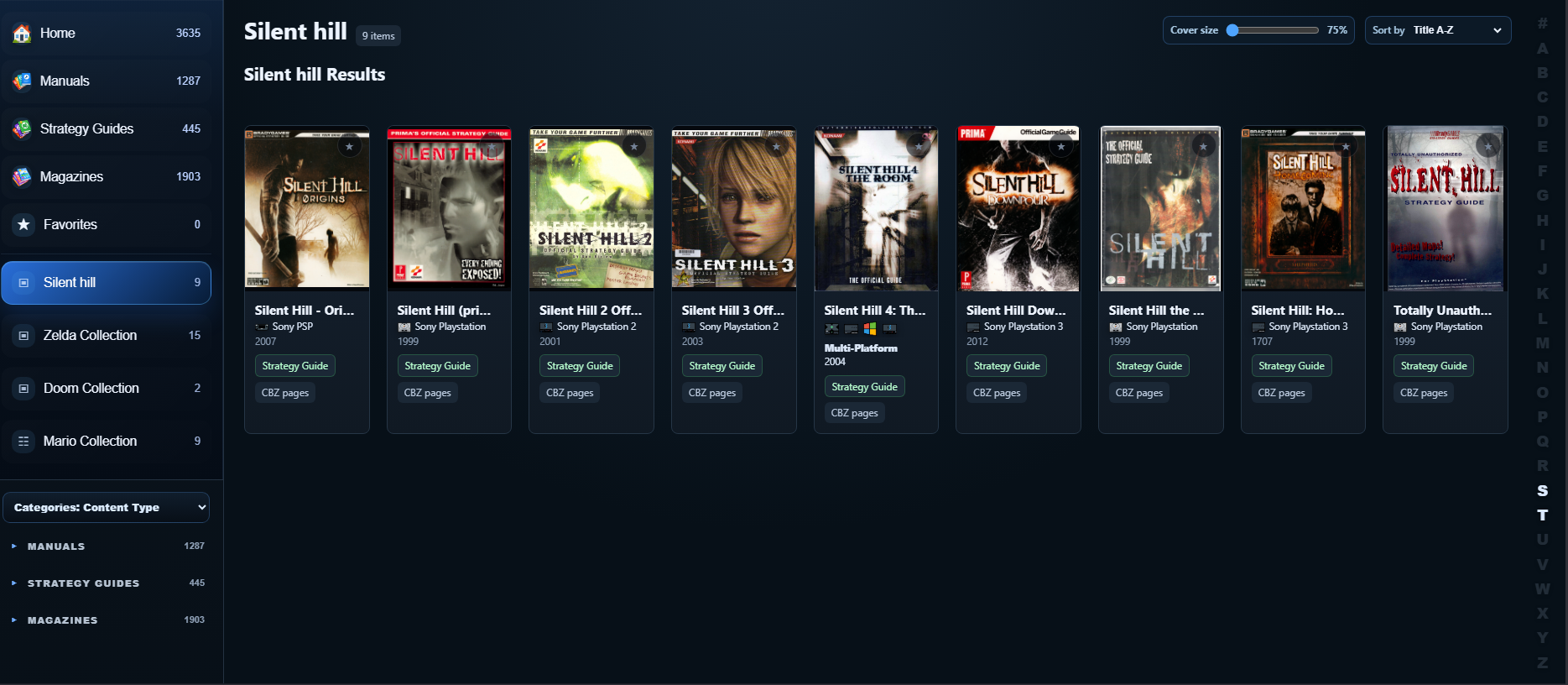
Mark important items as favorites and organize content into collections such as franchises, series, systems, or custom shelves.
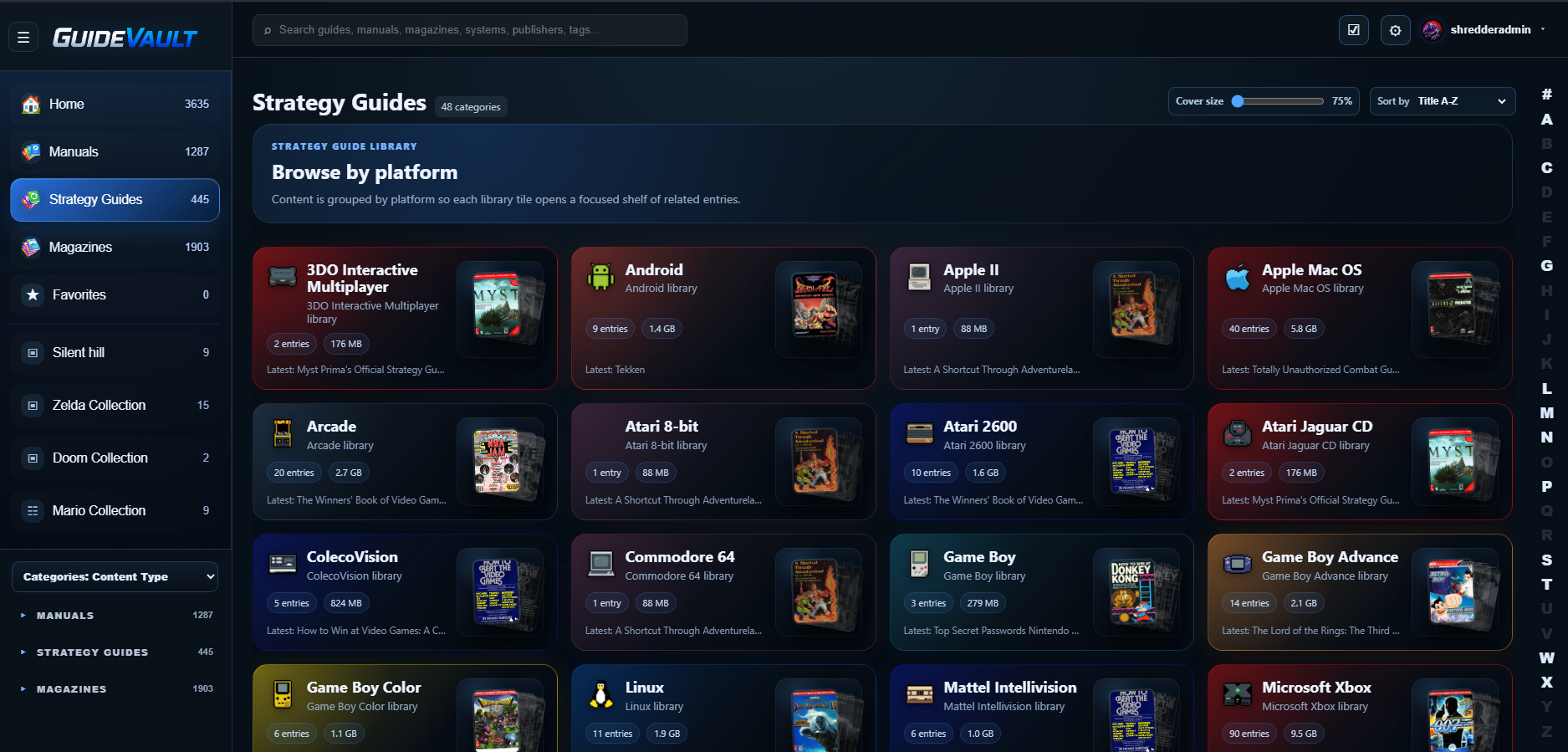
Associate content with one or more platforms. Multi-platform guides can be represented without pretending they belong to only one system.

Find content by title, system, publisher, tags, content type, and other metadata as the library grows.
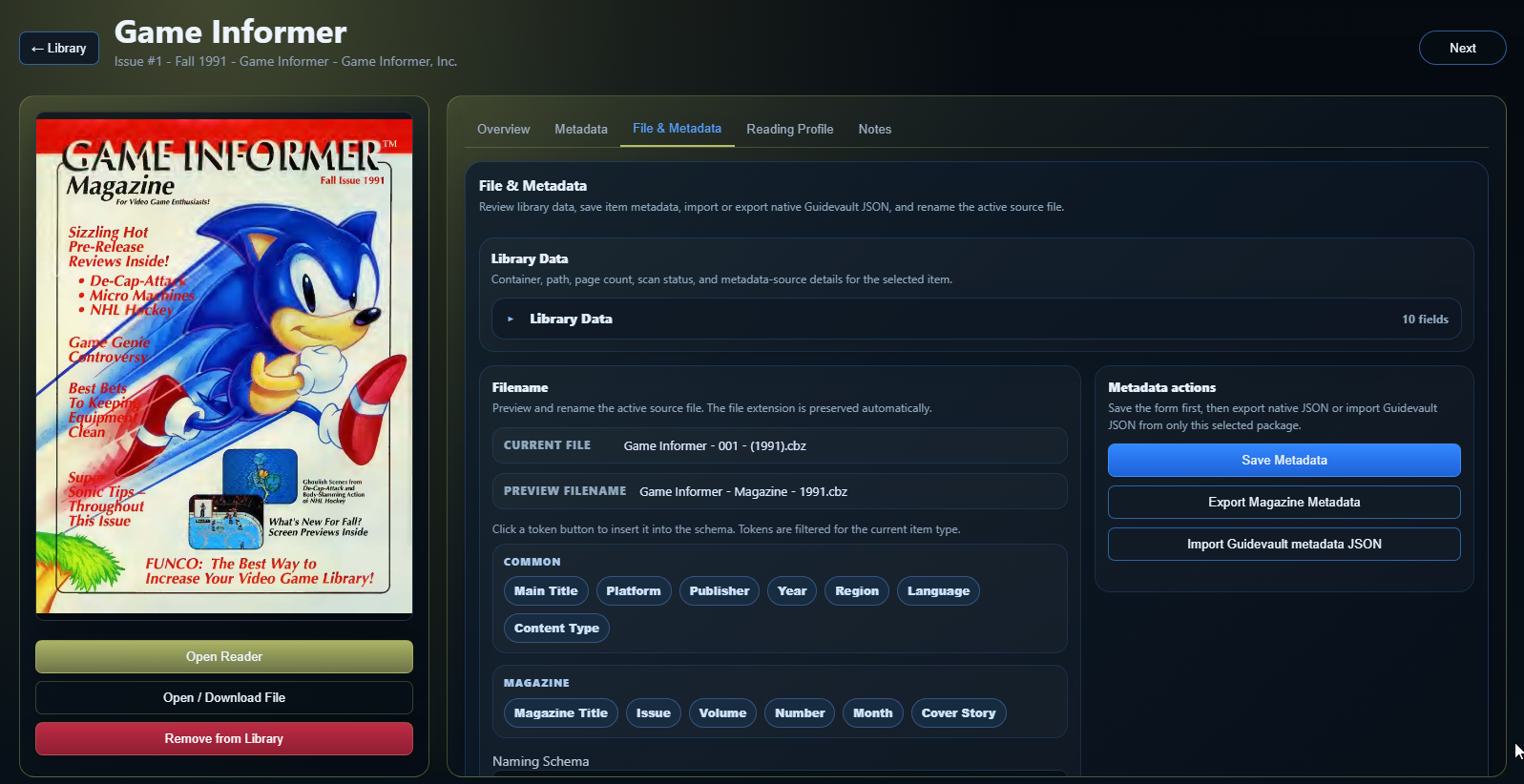
Use metadata editing and normalization workflows to clean up imported files, standardize fields, and improve browsing over time.
GuideVault is useful whether you have a small favorite shelf or thousands of scanned items. The interface is designed around quick navigation, cover browsing, and details pages that expose useful metadata without leaving the library.
Adjust cover size, sort recently added items, and browse by content category.
Review item identity, cover art, overview text, metadata, file information, reading profile settings, and notes.
Open the reader directly from the item details page or library card.